Highlights
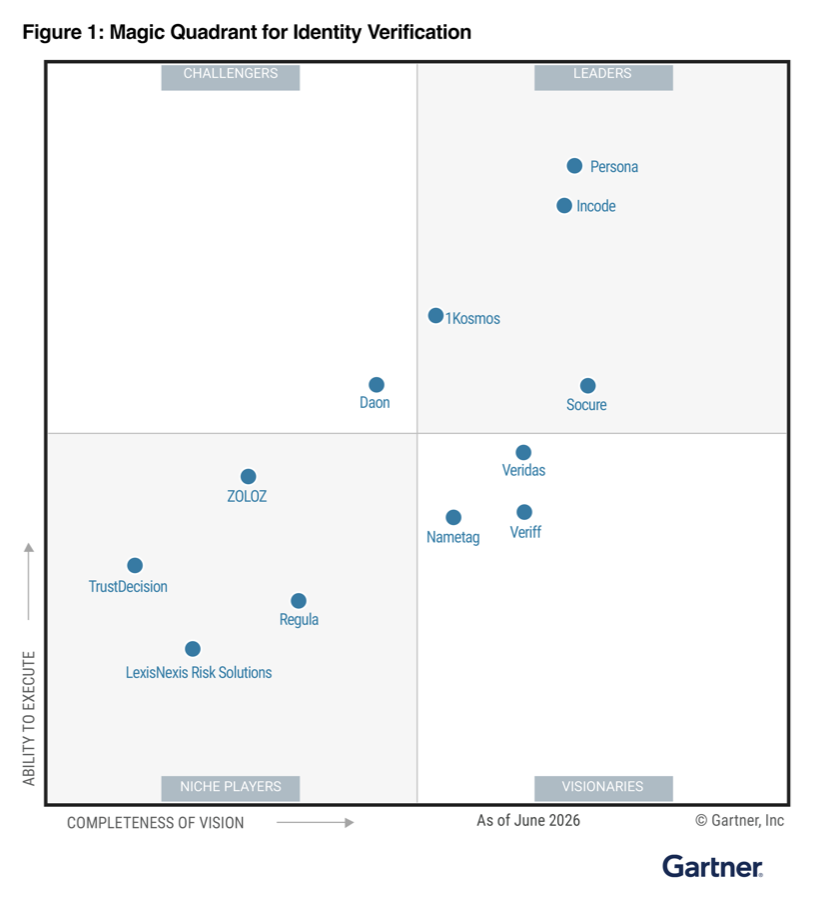
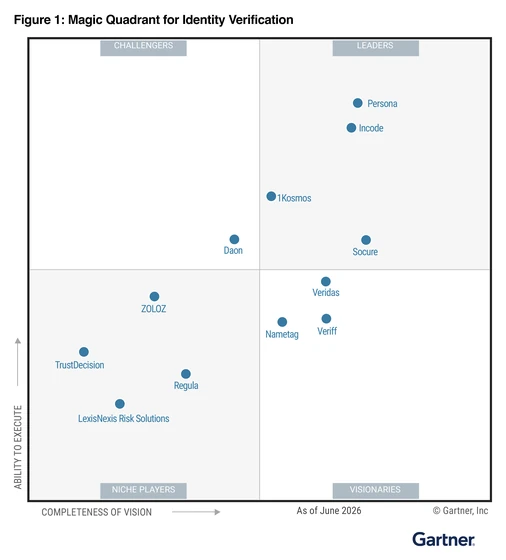
3 years in a row named a Leader First to achieve iBeta Level 3 on iOS and Android Introducing GovFaceMatch Privacy is the architecture
01/04
01/04
Authentication

Authenticate people with just their face

Passwords get phished and codes get intercepted. Let returning customers sign in with a glance, matched to the identity verified at onboarding.

The problem

The password lets in anyone who has it

Credentials leak, one-time codes get intercepted, and generative AI now impersonates real faces on demand. Every login that trusts a secret is a login a criminal can pass.

0%+

of US organizations rank account takeover among their top business threats

Experian

0%

growth in fintech deepfake incidents in a single year

Deloitte, 2024

50-59%

human accuracy spotting deepfakes, barely better than chance

Cooke et al., 2024

<1 min

to generate a convincing deepfake with free AI tools

MIT Technology Review, 2023

How it works

Four steps to sign in the returning customer

The foundation

Three intelligences behind every sign-in

A password proves possession of a secret. A face login proves the person. Three layers run on every sign-in, tuned to your risk appetite.

Explore the platform

Biometric authentication

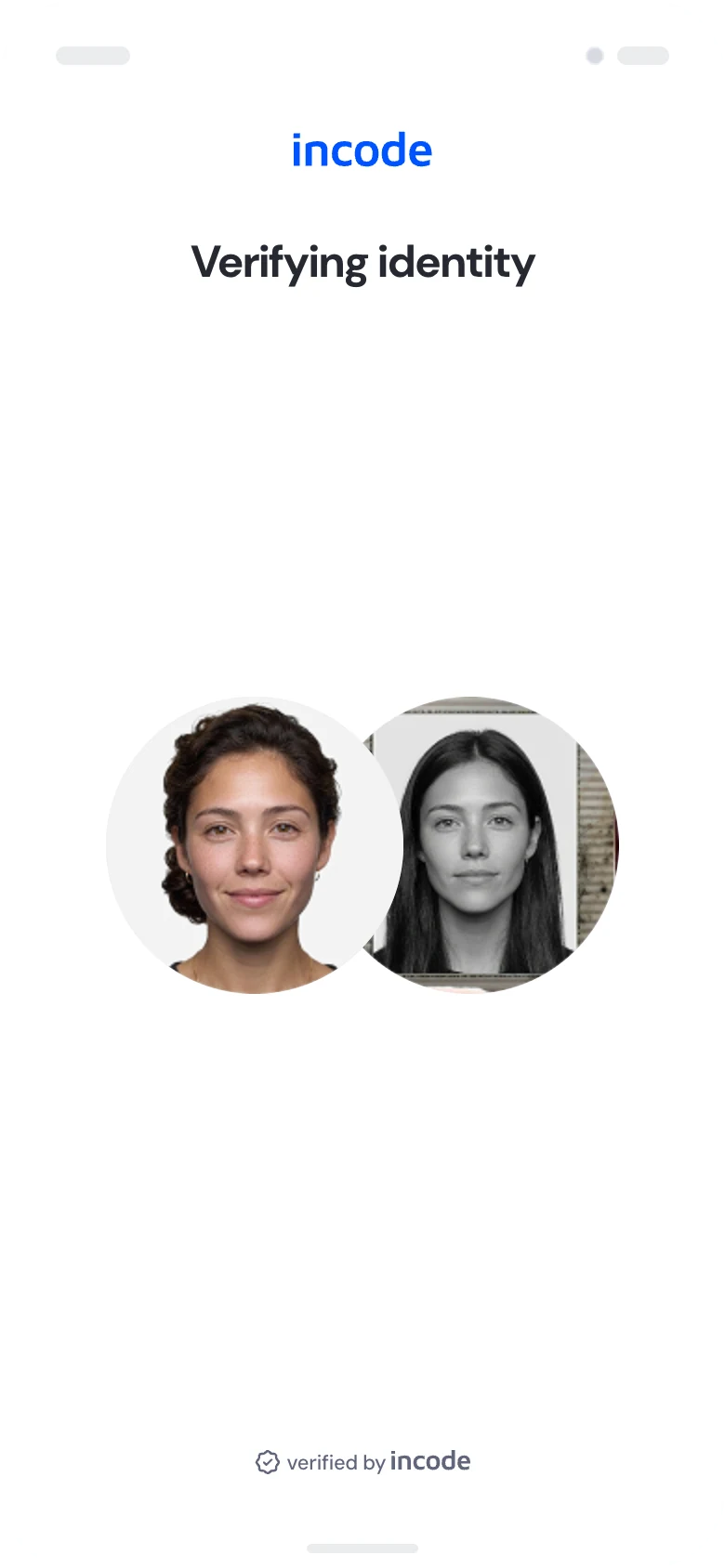
One selfie matches the returning user 1:1 against the enrollment from onboarding, with facial recognition ranked #1 by NIST among full-solution IDV providers.

Liveness and deepfake defense

iBeta-certified passive liveness proves a live human while Deepsight screens every capture for deepfakes, video injection, and device tampering.

Risk intelligence

Device signals and network history score every session in real time, so everyday logins stay one glance and risky ones ask for more.

Where it applies

One face login, every channel

The same enrollment answers everywhere your customers sign in, so the experience stays consistent and the weakest channel stops being the way in.

Mobile app sign-in

Returning customers open the app and sign in with a glance, no password to remember.

Web sign-in

The same face login runs in the browser, with no app install required.

Call-center verification

A selfie confirms the caller in seconds, replacing knowledge questions.

Account recovery

Locked-out users recover access with their face, not an emailed reset link.

Second-factor replacement

The face stands in for the SMS code wherever a second factor is required.

Returning after inactivity

Dormant customers pick up where they left off, with no re-enrollment.

Make it unmistakably yours

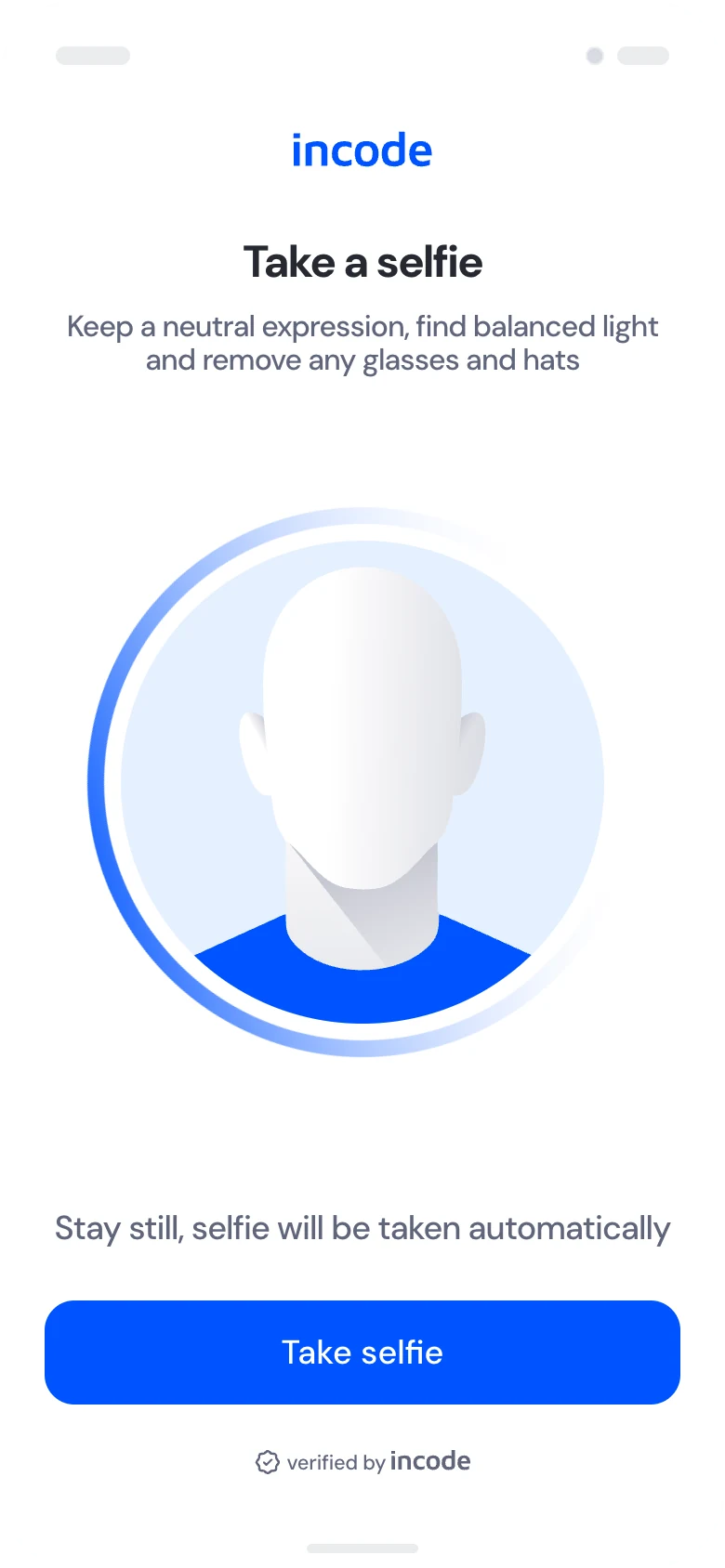
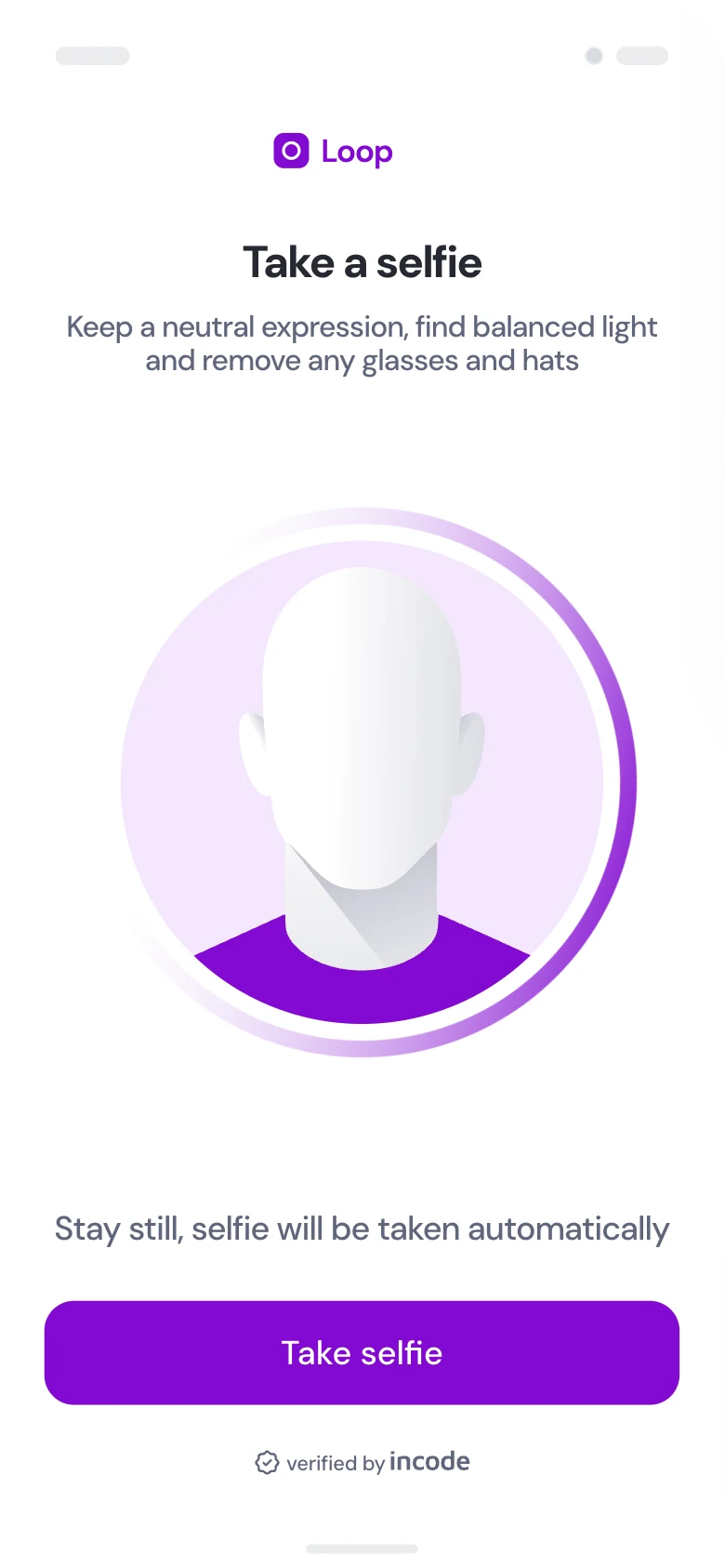
Theme every sign-in screen from Incode Studio: your logo, colors, fonts, copy, and corner radius, without touching the flow or its decisions underneath.

Learn more

Embed it inside your app

iOS, Android, and Web SDKs drop face login straight into your product. Fully white-label: your look, your feel, your flow, on every platform.

Learn more

Verified proof

Banks, carriers, and marketplaces authenticate with Incode.

Citi
Chime
Amazon
TikTok
FanDuel
BetMGM
AT&T
Experian
Equifax

#1

in NIST's facial recognition benchmark among full-solution IDV providers.

8 of 10

top U.S. banks choose Incode

7 of 8

top U.S. carriers trust Incode

4.1B+

identity checks processed

What customers say

“With over a decade of experience in the cybersecurity space, I've encountered many solutions attempting to balance security and user experience, but not many have matched Incode's success. Incode has struck the perfect balance, automating identity verification while effectively catching 99% of fraud.”

Vice President, Client Advocacy & Success · Financial Enterprise

FAQ

Frequently asked questions

Still have questions? Talk to an expert
What is face authentication?

Signing in with a selfie instead of a password or one-time code. The capture is matched 1:1 against the identity verified at onboarding, with passive liveness confirming a real person is present.

How is it different from passwords and one-time codes?

Passwords and codes authenticate a secret or a phone number, and both are stolen at scale. A face login authenticates the person, matched against the enrollment created when the account was opened.

Do returning users have to enroll again?

No. The face verified at onboarding is the credential. Every later login reuses it, with no re-enrollment and nothing new to remember.

How does it stop deepfakes at login?

Every sign-in runs the same Deepsight deepfake, injection, and device-tampering detection as onboarding, alongside iBeta-certified passive liveness, so synthetic media fails where a stolen password would have passed.

Which channels does it work on?

iOS, Android, and Web SDKs cover the app and the browser, and call-center flows confirm a caller with a selfie instead of knowledge questions. One enrollment works across all of them.

What's next

Replace the password with the person

See face authentication on your own sign-in flows.